System Settings
Configure RVOS to match how you work
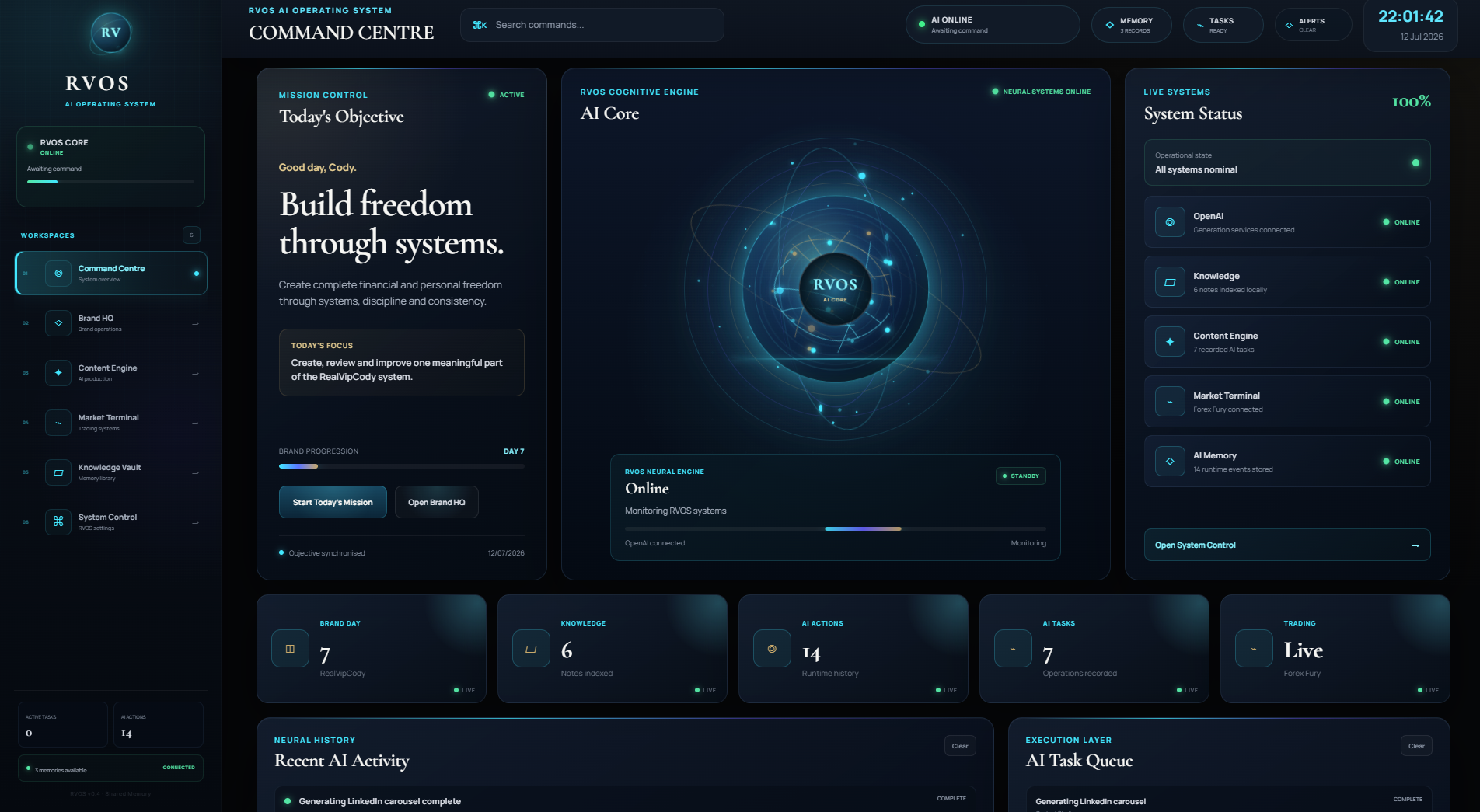
System Settings is the control center for RVOS. Manage AI model configuration, privacy preferences, agent permissions, integrations, and system resources from a single, organized interface.
What it does
An operating system needs a control center. System Settings is where you configure how RVOS behaves — which AI models to use, what data stays local, what permissions agents have, and how the system manages resources.
Settings are organized around the core subsystems: AI models, privacy, agents, integrations, and system resources. Each category exposes the relevant configuration options without overwhelming you with everything at once.
Privacy settings are particularly important. You control what data leaves your machine, which AI providers you trust, and what each agent is allowed to access. The system is transparent about data flows and gives you granular control.
Why it matters
Model flexibility
Configure which AI models power each agent type. Use different providers for different tasks based on cost, speed, and capability.
Privacy control
Granular control over what data leaves your machine. You decide what is local-only and what can be sent to AI providers.
Agent permissions
Define what each agent can access and do. Limit sensitive operations to explicit approval.
Resource management
Control how RVOS uses system resources — CPU, memory, and storage. Optimize for performance or efficiency.
How it works
Configuration store
All settings persist in a local configuration store that survives updates and reinstalls.
Permission system
A permission layer enforces agent access controls. No agent can access resources beyond its granted permissions.
Provider abstraction
AI model configuration is abstracted through a provider layer. Switch models without changing agent logic.
Resource governor
A resource governor monitors and limits CPU, memory, and storage usage based on your configured preferences.